
WordPress publishing
From AffilStack to your WordPress site in one click
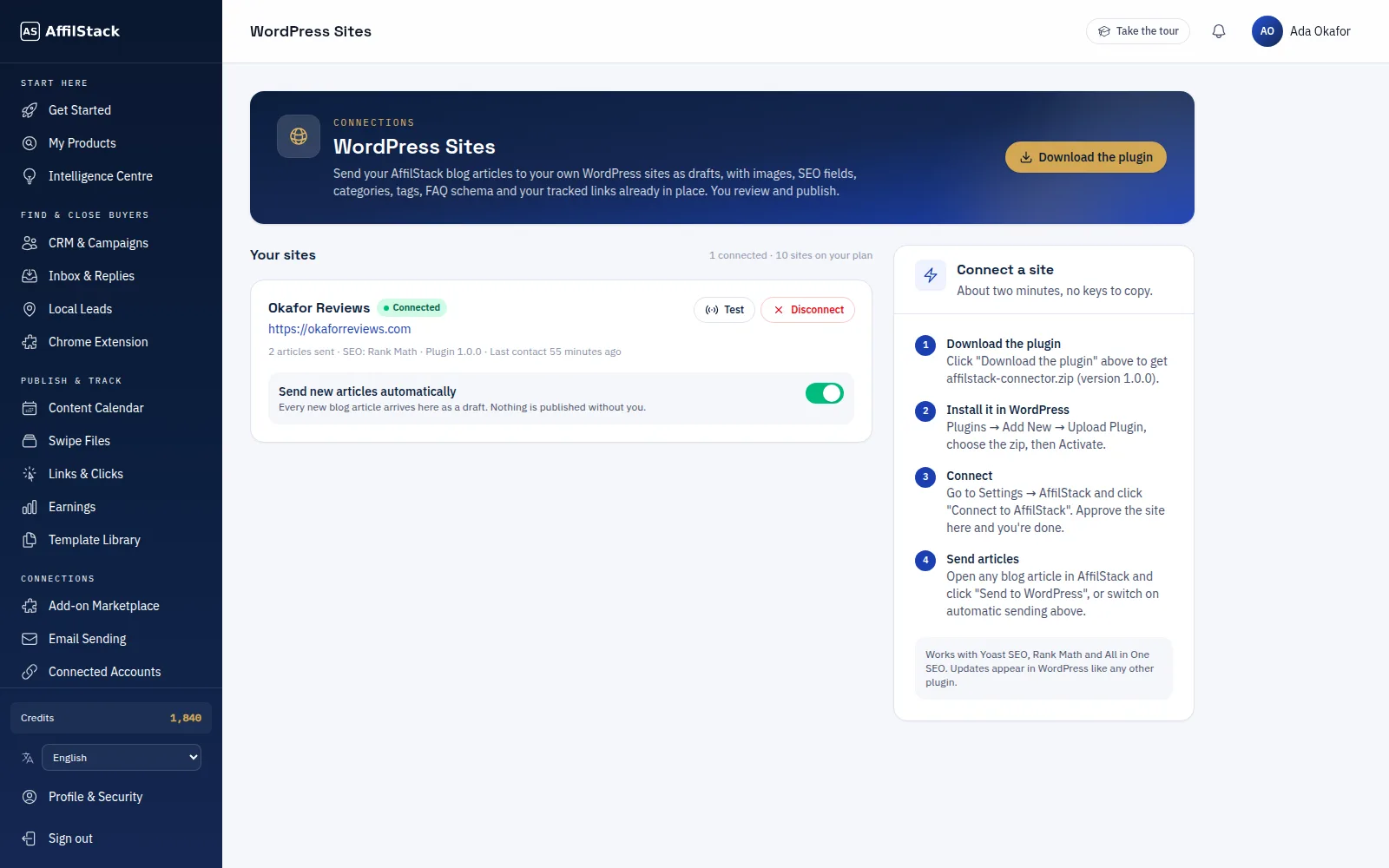
Install the free AffilStack Connector plugin and every blog article you generate can arrive on your WordPress site as a draft — with images, SEO fields, categories, tags, FAQ schema and your tracked links already in place.
01 · WordPress Publishing
Drafts that are ready to publish
Articles arrive as WordPress drafts with the featured image, meta title and description filled in for Yoast SEO, Rank Math or All in One SEO. Nothing goes live until you review it and press Publish.
- Images uploaded to your media library
- SEO fields, categories and tags
- FAQ schema and tracked links included
02 · WordPress Publishing
Connect without copying keys
Click "Connect to AffilStack" in the plugin, approve the site in your dashboard and you're done. Turn on automatic sending and every new article goes to your site on its own.
- One-click connect
- Send by hand or automatically
- Connect several sites on bigger plans
WordPress Publishing
How to use it
-
1
Download the plugin
From the WordPress Sites page in your dashboard.
-
2
Install and connect
Upload it to WordPress, activate it and approve the connection.
-
3
Send articles
One click per article, or automatic sending for every new one.
Questions about this feature
All FAQsDoes AffilStack publish anything without me?
Which SEO plugins are supported?
How many sites can I connect?
Publish your next article to WordPress
Generate a blog article and send it to your site in one click.