
Your language
Work in the language you think in
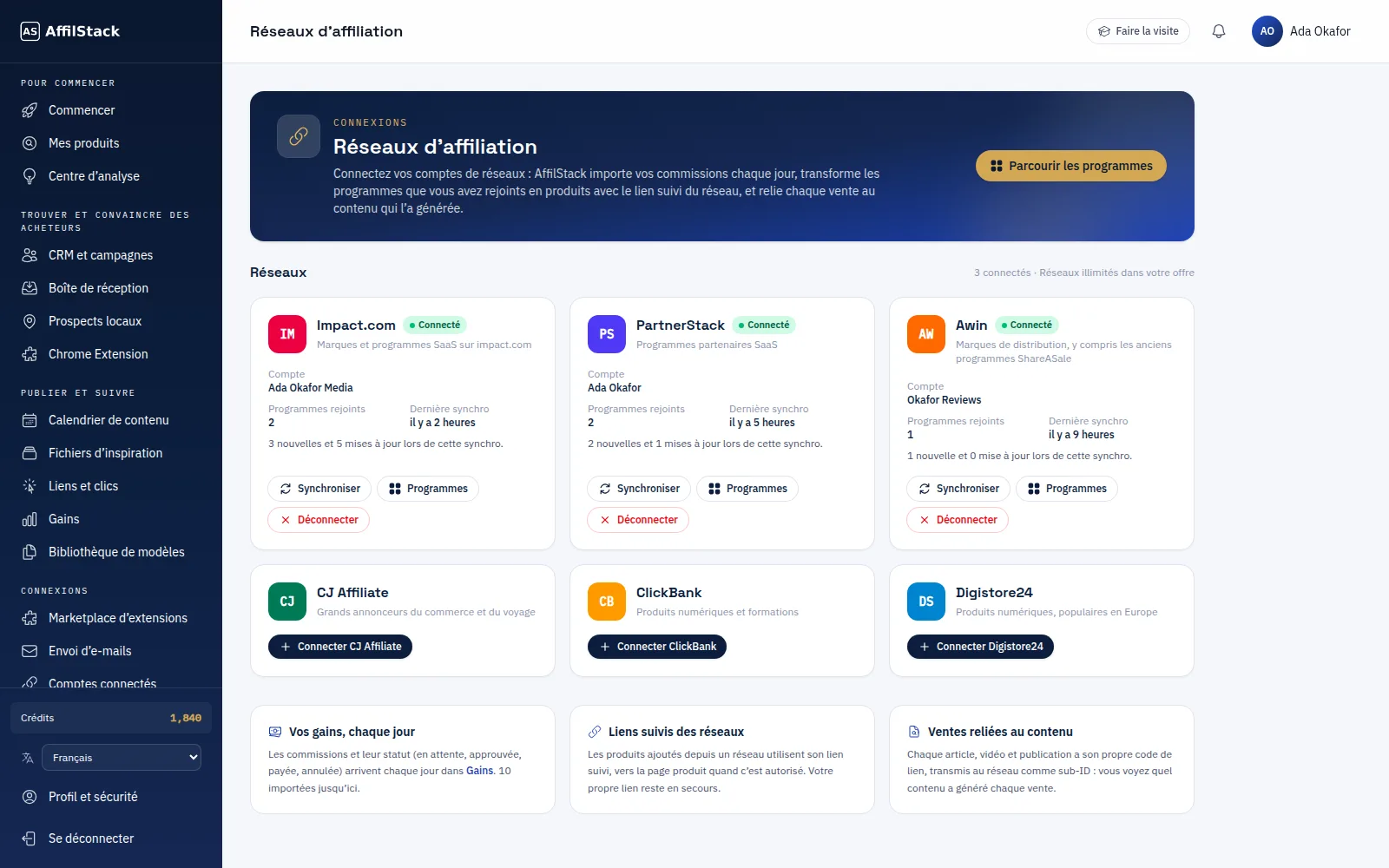
Switch AffilStack to French, Spanish, Portuguese, Arabic, Swahili and other languages. Menus, pages, buttons and emails change language — your products, contacts and content stay exactly as you wrote them.
01 · AffilStack in Your Language
The app changes, your data doesn't
Pick a language from the menu and every page follows, including right-to-left layouts for Arabic and other right-to-left languages. Product names, contact details and the content you generate are never translated behind your back.
- Every dashboard page and email
- Right-to-left layouts
- Your own data left untouched
02 · AffilStack in Your Language
Rewrite content for another market
When you want content itself in another market's voice, Localization adapts it with local spelling, currency, references and the right disclosure.
- Works with any generated content
- Market-specific disclosure
- Lands on your content calendar
AffilStack in Your Language
How to use it
-
1
Open the language menu
At the bottom of the dashboard sidebar.
-
2
Pick your language
The whole app switches straight away.
-
3
Keep working
Your choice is saved to your account on every device.
Questions about this feature
All FAQsWhich languages are available?
Will my products and contacts be translated?
Use AffilStack in your language
Every plan includes every available language.